
CORSAIR CLIPPER PRO MINI 60 Review – The CORSAIR CLIPPER PRO MINI 60 is a compact Hall Effect gaming keyboard designed primarily for gamers who want maximum performance while taking up as little desk space as possible. And when CORSAIR says Mini, they really mean it.
The CLIPPER PRO MINI 60 uses a 60% layout, shedding the numpad, function row, dedicated arrow keys, navigation cluster, and plenty of other physical buttons you would normally find on a full-sized or even TKL keyboard (like a dedicated volume or media controls). For gaming, this can be fantastic.
CORSAIR CLIPPER PRO MINI 60 PACKAGING CONTENTS AND UNBOXING

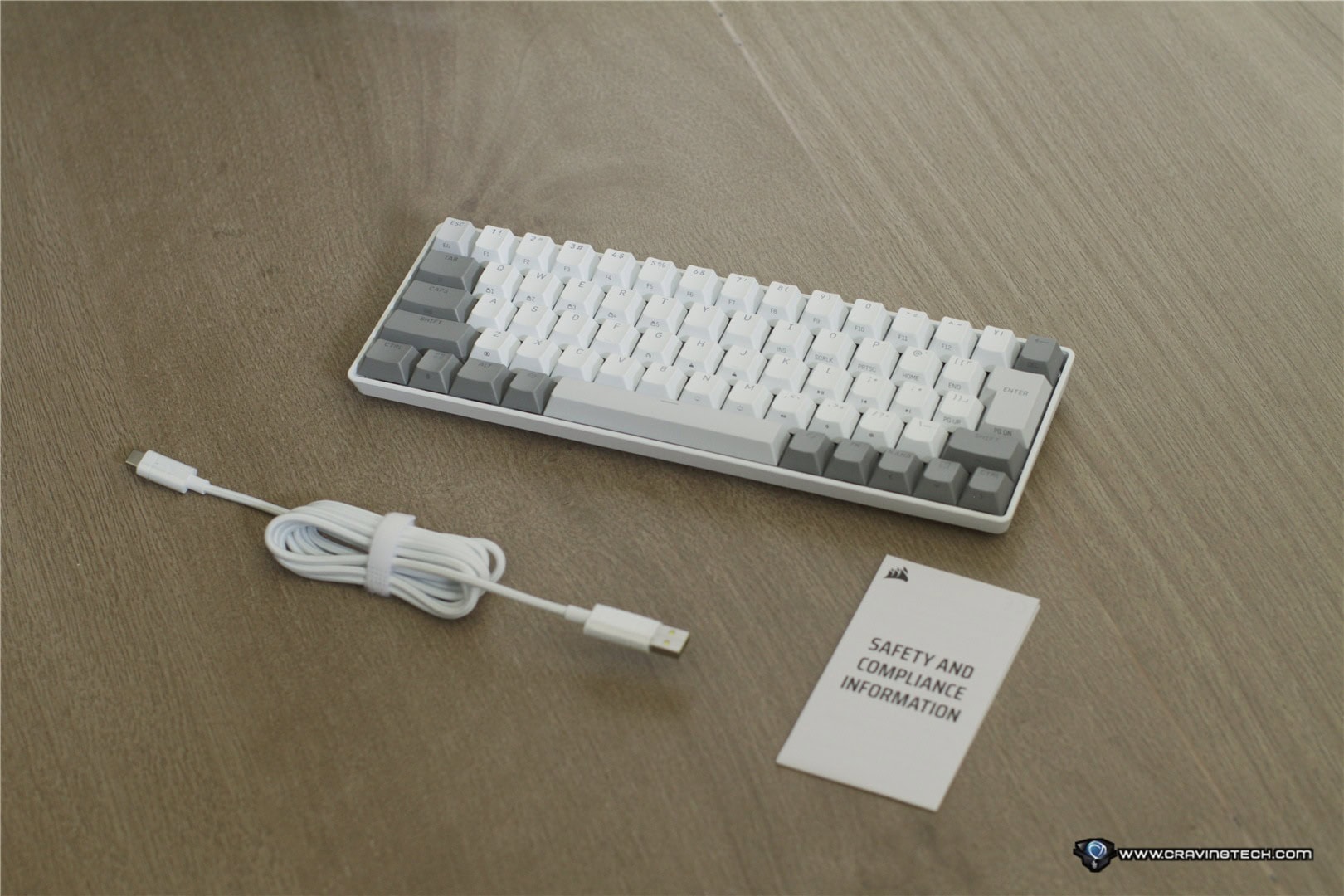
CORSAIR CLIPPER PRO MINI 60 Review – Design and Features
The first thing you’ll notice about the CORSAIR CLIPPER PRO MINI 60 is obviously its size. The keyboard is tiny and takes up very little room on the desk.

If you game on a small desk, or simply want as much room as possible for your gaming mouse, then you’ll love this form factor. Competitive FPS players in particular tend to make large mouse movements at lower sensitivity settings, and having a smaller keyboard means there is far less chance of accidentally smashing your mouse into it.
It is also an excellent size if you frequently bring your gaming setup elsewhere, such as to LAN events or tournaments. You can simply throw the CLIPPER PRO MINI 60 into your bag without it taking up anywhere near as much space as a traditional keyboard. Interestingly, despite how compact it is, the keyboard doesn’t feel lightweight or flimsy when sitting on the desk. There is a reassuring weight to it and the construction feels very sturdy.
CORSAIR lists the keyboard at around 414 grams, so it is certainly portable, but it still feels solid enough that it doesn’t move around easily during intense gaming sessions. It’s somewhat similar to what I liked about the CORSAIR K65 PRO MINI, another compact keyboard I’ve reviewed previously, though the CLIPPER PRO MINI 60 takes the performance side considerably further thanks to its Hall Effect switches.
Surprisingly, the keyboard is also IP57 water and dust resistance. Obviously, I’m not recommending that you start pouring drinks over your keyboard to test it. But we’ve probably all had that moment where a glass of water, coffee, or another drink sits dangerously close to the mouse pad and keyboard. And accidents happen. Having IP57 protection provides some additional reassurance that a small spill isn’t necessarily going to end your gaming keyboard’s life immediately.
The keyboard also features per-key RGB lighting, dual-layer sound dampening, adjustable height, five onboard profiles, and a detachable braided USB cable.
CORSAIR MGX HYPERDRIVE CORE Hall Effect switches

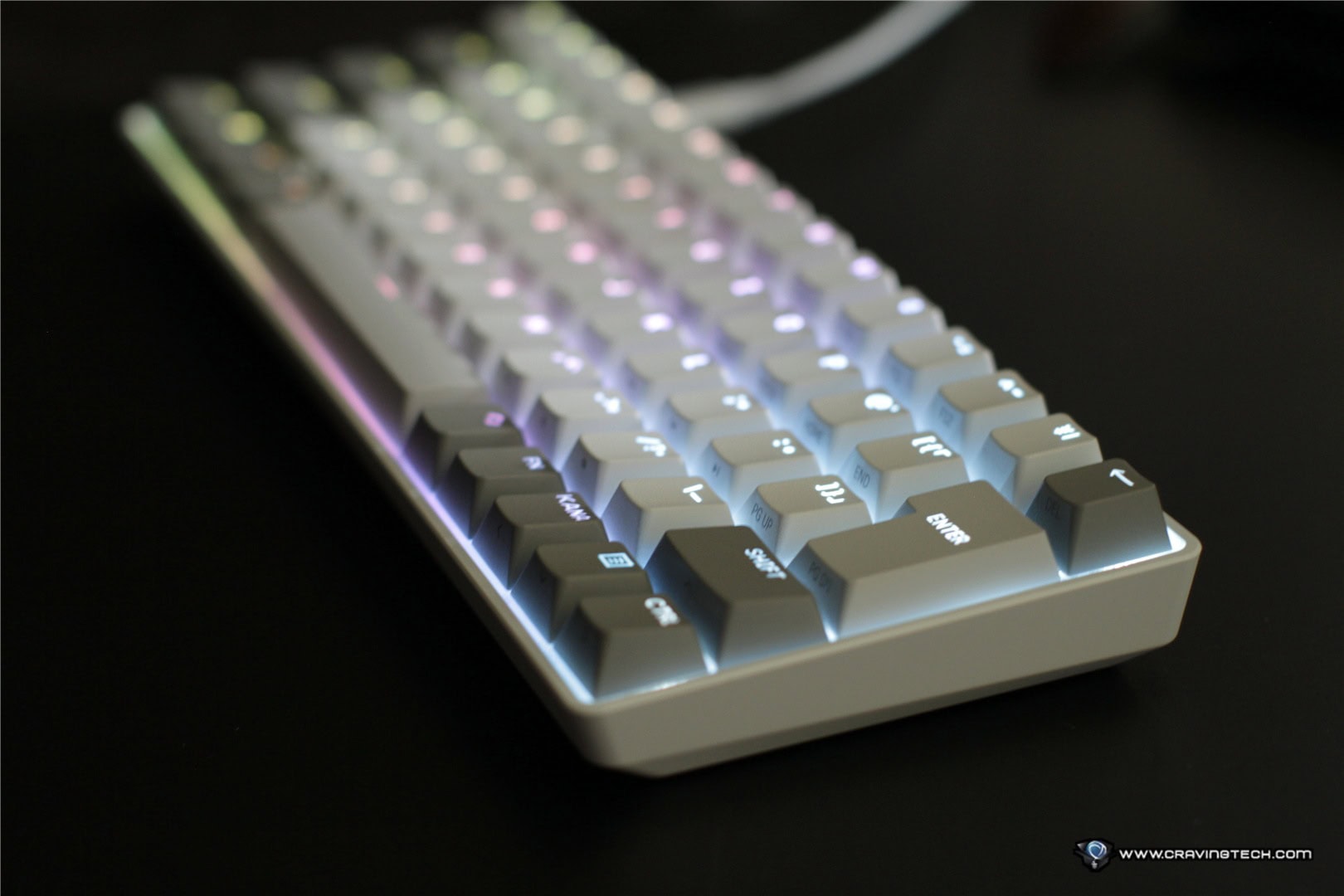
Where the CLIPPER PRO MINI 60 becomes much more awesome is underneath the keycaps. CORSAIR is using its MGX HYPERDRIVE CORE Hall Effect magnetic switches with a light 27g actuation force and 4mm of total travel. Unlike conventional mechanical switches where the physical switch determines exactly where a key activates, Hall Effect switches use magnets to detect how far the key has travelled.
That means you can customise the actuation point of individual keys. On the CLIPPER PRO MINI 60, this can be adjusted anywhere between 0.2mm and 3.8mm in 0.1mm increments. So you could configure important movement keys such as W, A, S, and D with extremely shallow actuation so the game registers your input almost immediately after you start pressing the key.
Other keys that you don’t want to trigger accidentally can be given deeper actuation points instead, like unleashing your ultimate skill – you have to find the perfect balance.
Being able to customise individual keys like this feels particularly useful at a competitive level. Rather than forcing every key to behave identically, you can tune the keyboard specifically around the games you play and your own habits. If milliseconds matter, having important keys respond earlier can make your controls feel faster – and might win you that round.
I previously experienced similar customisable Hall Effect switches on the CORSAIR K70 PRO TKL 2024, and the flexibility remains one of my favourite things about this technology.
Rapid Trigger, Multi-Action and 8,000Hz polling
Rapid Trigger dynamically resets a key based on its movement rather than requiring the key to return to a fixed reset point. For fast movements in competitive shooters, this can make repeatedly pressing opposing directional keys feel noticeably snappier. CORSAIR also includes FlashTap SOCD handling, which is particularly useful when opposite directional inputs are pressed together.
You also get Multi-Action functionality, which allows up to four different actions to be assigned to different stages of a single keypress. Smart Tap can assign different functions depending on whether you tap or hold a key, while Tap Lock can turn actions you would normally have to hold down such as crouching or running, into toggles.
These features also help compensate somewhat for the limited number of physical keys available on a 60% keyboard.
The CLIPPER PRO MINI 60 supports up to an 8,000Hz polling rate through CORSAIR AXON as well. This means the keyboard can report inputs to the computer at a significantly higher frequency than conventional 1,000Hz gaming keyboards and 8,000Hz is still considered the holy grail of gaming keyboards so far. Whether you’ll actually notice the difference between 1,000Hz and 8,000Hz is another question, but when combined with extremely short actuation distances and Rapid Trigger, everything about this keyboard is clearly geared towards reducing as much input latency as possible.
Brilliant for gaming, but 60% isn’t for everyone
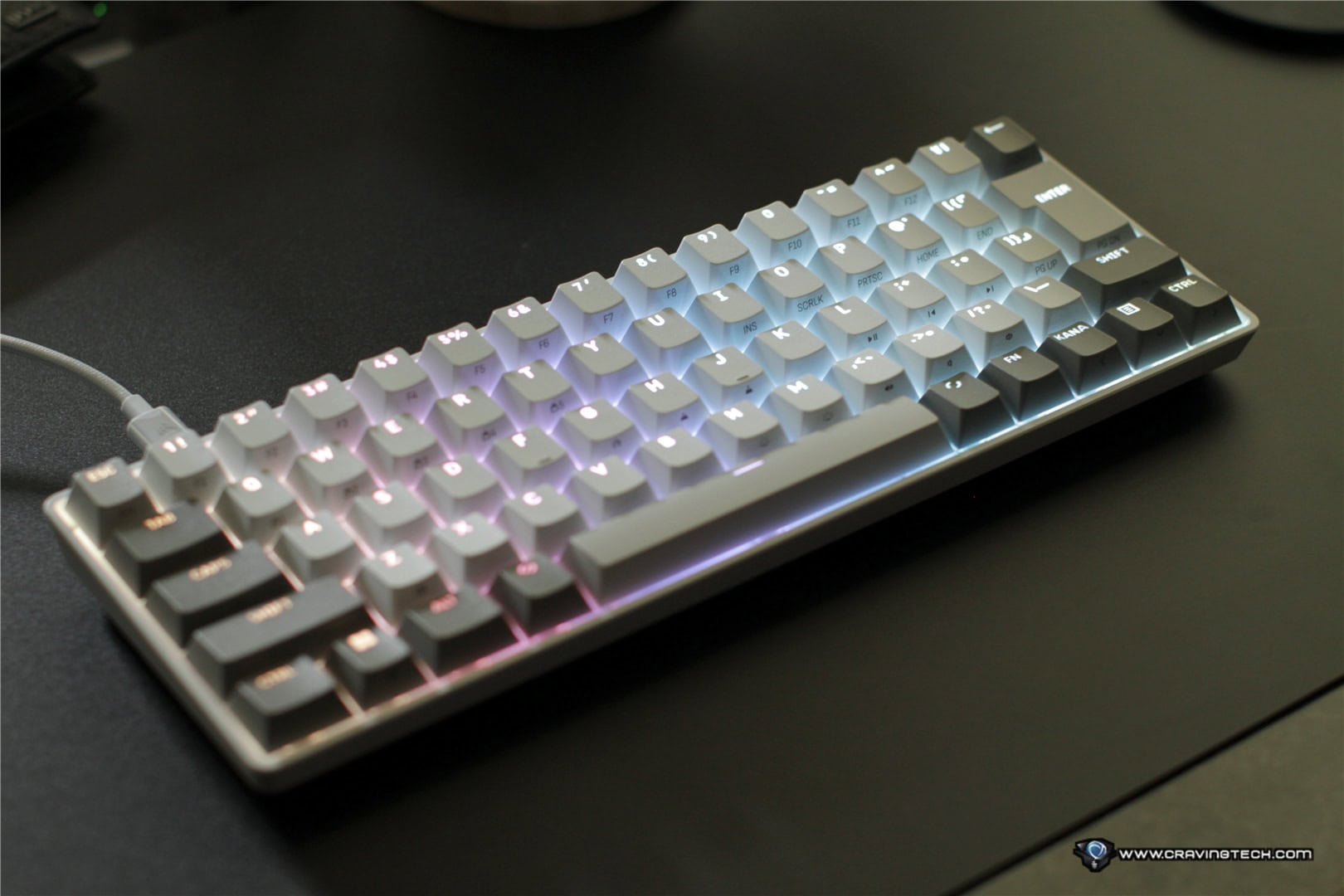
This is also where my biggest issue with the CLIPPER PRO MINI 60 comes in. The mini size is definitely a double-edged sword. I use the same keyboard on my gaming desktop for both gaming and work, and typing normal letters on the CLIPPER PRO MINI 60 is perfectly fine. The frustration begins when you need keys that simply aren’t physically there. Home, End, Page Up, Page Down, function keys, arrow keys and plenty of other commands require secondary shortcuts rather than simply pressing a dedicated key.
If you’re just playing games, this might barely bother you. But I use these keys regularly while working, and after coming from larger keyboards, I found myself repeatedly thinking about how to access something that would normally require just one button press. It slows you down until those shortcuts become muscle memory.
If you already use compact keyboards regularly, this probably won’t be a concern at all. Likewise, if you have a separate keyboard for productivity and use the CLIPPER PRO MINI 60 purely for gaming, it’s almost irrelevant. But if you’re coming from a full-sized or TKL keyboard and plan to use this as your only keyboard for both work and gaming, expect an adjustment period.
This is one area where something like the CORSAIR K70 PRO TKL offers a more balanced compromise. You still reclaim plenty of mouse space but retain dedicated arrow and navigation keys. With the CLIPPER PRO MINI 60, CORSAIR is clearly prioritising compactness and gaming performance over productivity convenience. And that’s completely fine as long as you know what you’re getting into.
CORSAIR Web Hub


Customisation is handled through CORSAIR Web Hub so you can configure things such as actuation points, RGB lighting and Hall Effect functionality directly through a web interface rather than installing iCUE on your machine. If you’re taking the CLIPPER PRO MINI 60 to another PC, you aren’t necessarily reliant on installing software before making adjustments.
The keyboard can store five profiles onboard too, so once you have your preferred configurations saved, you can bring those settings with you.
CORSAIR CLIPPER PRO MINI 60 Review Conclusion
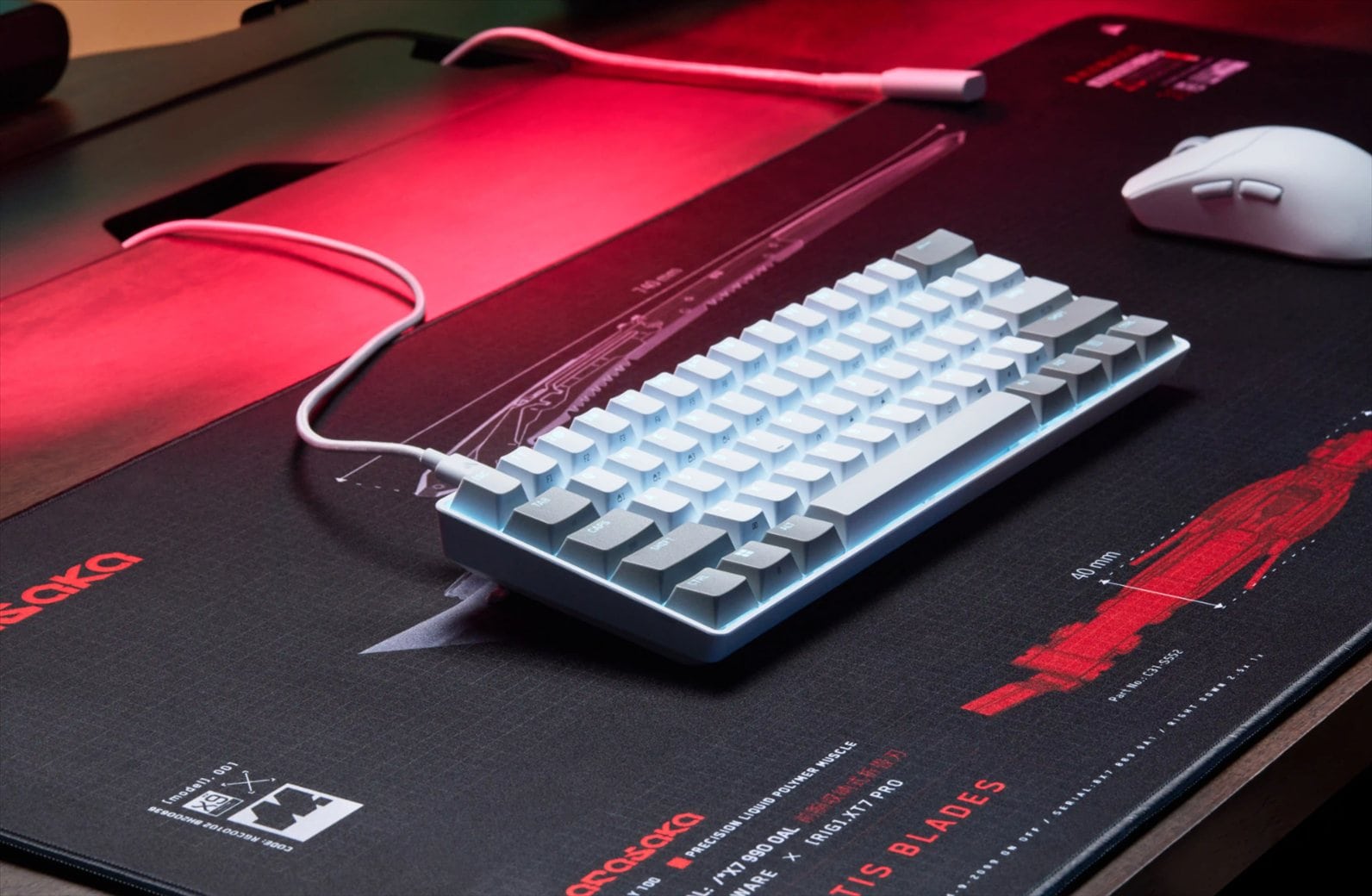
The CORSAIR CLIPPER PRO MINI 60 knows exactly what kind of keyboard it wants to be. This is not a compact productivity keyboard that happens to have gaming features. It is a gaming-first keyboard that aggressively removes anything unnecessary to create more mouse space while packing a surprising amount of performance technology underneath its tiny frame.
The combination of MGX HYPERDRIVE CORE Hall Effect switches, customisable per-key actuation, Rapid Trigger, Multi-Action, FlashTap SOCD and 8,000Hz polling gives competitive gamers an enormous amount of control over how the keyboard behaves. I’ve used the keyboard to play Overwatch and loved the consistencies and responsiveness it brings.
Its IP57 water and dust resistance, sturdy construction and portable dimensions are great additions too.
The main question is simply whether you can live with a 60% layout. For pure gaming, I really like what the CLIPPER PRO MINI 60 offers. It leaves a huge amount of space for mouse movement and gives you extensive control over key responsiveness. For someone like me who also spends a lot of time working on the same PC, however, losing dedicated navigation and function keys can become frustrating.
If you already love 60% keyboards, or you’re planning to use the CLIPPER PRO MINI 60 primarily for gaming, that criticism practically disappears. And in that scenario, you are getting an impressively powerful competitive gaming keyboard in an incredibly small package.
Disclosure: CORSAIR CLIPPER PRO MINI 60 JP (Japanese layout) review unit was supplied for reviewing
CORSAIR CLIPPER PRO MINI 60
Overall
Summary
The CORSAIR CLIPPER PRO MINI 60 is an incredibly compact Hall Effect gaming keyboard with powerful per-key actuation customisation, Rapid Trigger, 8kHz polling, and more
Pros
- Extremely compact 60% design
- Leaves plenty of room for large mouse movements
- Solid and sturdy construction despite its small size
- MGX HYPERDRIVE CORE Hall Effect magnetic switches
- Adjustable 0.2–3.8mm actuation on individual keys
- Rapid Trigger, Multi-Action, Smart Tap and Tap Lock
- Up to 8,000Hz polling
- IP57 water and dust resistance
- Portable and easy to bring to tournaments or LAN events
- Five onboard profiles
Cons
- 60% layout takes time to get used to. Lack of dedicated Home, End, Page Up/Page Down and function keys
- Wired only


