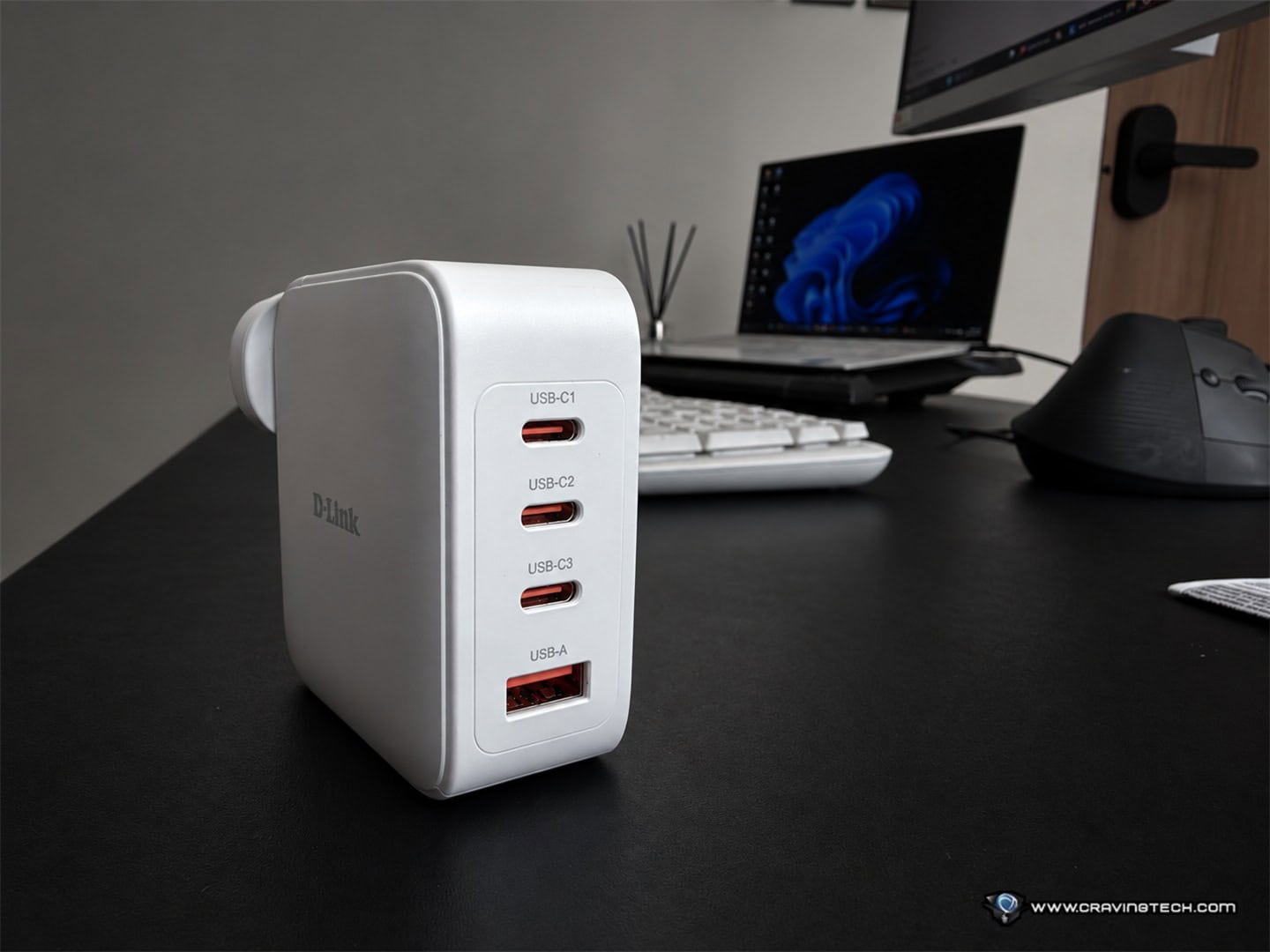
With faster NBN plans becoming more widely available in Australia, upgrading your home router is becoming increasingly important, especially if you want to take full advantage of those higher internet speeds. The D-Link BE7200 10G Wi-Fi 7 Mesh Router (DPN-BE7212GR) is designed with that in mind, offering the latest Wi-Fi 7 technology, two 10 Gigabit Ethernet connections, and EasyMesh support for extending wireless coverage around your home.
At AU$399.95, this isn’t probably a router for everyone. It is particularly appealing to power users who want to make the most of a super-fast internet connection, transfer large files frequently between devices, or have a NAS (Network Attached Storage) system at home.
I’ve been testing the D-Link BE7200 for over two weeks now, including plenty of competitive Overwatch sessions, and I’m happy to report that the router has been rock solid throughout my testing. While there are a few things I wish D-Link could improve, particularly on the software side, the actual networking performance has been excellent.
Packaging Contents


Design and Connectivity
The D-Link BE7200 has a fairly understated design compared to many high-performance gaming routers. There are no aggressive angles, RGB lighting, or massive external antennas sticking out everywhere. Instead, it has a relatively clean appearance with its antennas hidden internally.
However, the router itself is quite large, measuring 235 × 170 × 60mm. It’s not something you can easily hide in a tiny corner, although the relatively simple design means it shouldn’t look out of place in a modern home. I suspect the larger size might have something to do with accommodating its internal components and potentially allowing for better heat management, although that’s just my assumption rather than something I’ve verified.
One of the BE7200’s biggest strengths is its generous wired connectivity. You get a dedicated 10Gbps WAN port, a dedicated 10Gbps LAN port, and four additional Gigabit LAN ports. There’s also a USB 3.0 port. Those are a lot of ports and that’s great! With so many devices relying on wireless connectivity these days, it’s easy to forget that a wired connection is still incredibly useful, especially when you want maximum consistency or need to move a lot of data around. We just built a new house and we had a few wired endpoints throughout different rooms.


If you’re lucky enough to have access to a high-speed internet plan, the 10G WAN port provides plenty of headroom beyond conventional Gigabit Ethernet. Meanwhile, the 10Gbps LAN port opens up possibilities for connecting a high-speed NAS, a capable desktop PC, or a multi-gigabit network switch.
Imagine regularly transferring large video files between your PC and NAS, or working with large files across different machines on your home network. With the right equipment, a 10Gbps wired connection can make a significant difference compared to traditional Gigabit Ethernet. Of course, you’ll need compatible networking equipment to benefit from those speeds, and the actual transfer performance will depend on the devices and storage involved.
In my opinion, this makes the D-Link BE7200 more appealing to power users than someone who simply needs a basic router for browsing, streaming Netflix, and checking emails.
Setup and Software Experience
Setting up the D-Link BE7200 was straightforward. I didn’t encounter any issues getting the router up and running, and the whole process was quick and painless. Once configured, the router simply worked as expected, which is exactly what I want from a networking product.
Unfortunately, while the setup process was easy, I do feel that D-Link has some catching up to do when it comes to the software experience. The router’s management interface feels rather old-school, especially compared to some of the TP-Link routers I’ve reviewed previously. With TP-Link, I’ve become accustomed to being able to manage and modify most router settings directly through a modern, intuitive smartphone app. It’s convenient, and it means I don’t have to keep accessing a web-based configuration page whenever I want to change something. D-Link’s overall experience doesn’t feel quite as polished or modern in comparison (plus, I have a few different D-Link apps for different D-Link devices).
But I did mention this router is most likely being used by a Power User and a direct connection to the router from a browser is the simplest, most stable way to connect and tinker with a router settings. As a techie myself, I’ve grown familiar with a simple, router UI and I guess it has its place.


Wi-Fi 7 Performance and Features
The D-Link BE7200 supports the latest Wi-Fi 7 (802.11be) standard, with a combined theoretical wireless speed of up to 7200Mbps. This includes up to 1376Mbps on the 2.4GHz band and 5764Mbps on the 5GHz band. It’s worth remembering that these figures represent the combined theoretical maximum wireless speeds rather than what a single device will necessarily achieve in real-world conditions.
Wi-Fi 7 brings several improvements over previous wireless standards, including Multi-Link Operation (MLO), which allows compatible devices to utilise multiple wireless links. This can help improve connection reliability and efficiency, depending on the devices and network conditions. The router also supports OFDMA and MU-MIMO, which help it manage multiple connected devices more efficiently.
One thing to point out, however, is that the BE7200 is a dual-band router, meaning it only operates on the 2.4GHz and 5GHz frequencies. Unfortunately, there’s no 6GHz band here. While Wi-Fi 7 isn’t necessarily required to include 6GHz, its absence still fees like a miss, especially if you already have compatible devices that can take advantage of the additional spectrum.
A tri-band Wi-Fi 7 router with 6GHz support can provide access to a less congested frequency band, which may be beneficial in environments with lots of nearby wireless networks. That said, the lack of 6GHz didn’t prevent the D-Link BE7200 from delivering excellent performance throughout my testing.
Wi-Fi Coverage and Reliability
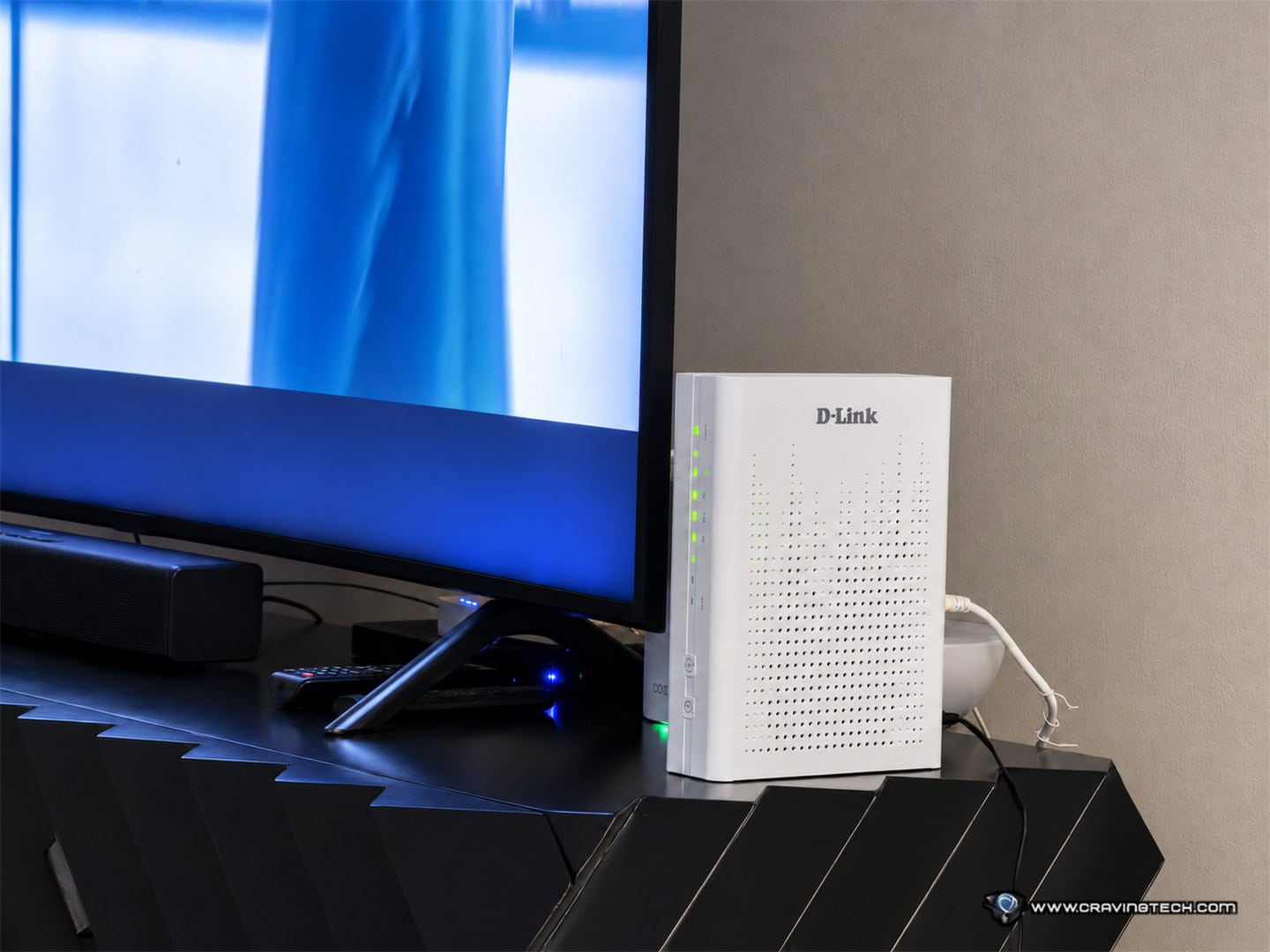
Wi-Fi coverage has been excellent in my experience. The BE7200 was capable of covering quite an extensive area of my house, providing good wireless coverage throughout much of the space. However, I do have a large living area with thick walls separating certain sections of the house. As expected, physical obstacles like these can still affect wireless signals, even with a capable Wi-Fi 7 router.
If you have a particularly large house, or one with multiple thick walls and rooms spread across a wide area, you may still need additional wireless access points or mesh extensions to ensure consistent coverage everywhere. Thankfully, the BE7200 supports Wi-Fi EasyMesh, which allows compatible mesh devices to work together and extend coverage throughout your home.
I haven’t based this review on a multi-node mesh performance test (we have Ruijie extenders around the house), but it’s good to have the expansion option available.
More importantly, the overall reliability has been excellent throughout my testing period. I’ve been using the D-Link BE7200 for more than two weeks, and I haven’t had to restart it even once. There have been no strange connectivity issues that forced me to reboot the router, and the performance has remained consistently fast and stable.
That might sound like something every router should be able to accomplish, but anyone who has experienced unreliable networking equipment will understand how valuable it is to have a router that simply works without demanding attention. And I had a few routers in the past with troubles and that was not pretty especially since every one in the house is relying on you as the tech master to fix these problems.
Gaming Performance – Tested with Overwatch
As someone who plays Overwatch competitively and regularly, network stability is particularly important to me. When you’re playing a fast-paced competitive multiplayer game, even a short connection hiccup can make a difference. Sudden packet loss, unexpected latency spikes, or brief connection interruptions can easily ruin a match (and your mood), particularly during an intense team fight.
Over the past two weeks or so, I’ve continued playing Overwatch competitively as usual while using the D-Link BE7200. Throughout those gaming sessions, the router never let me down. I didn’t experience any packet loss or unusual latency issues that I could attribute to the router itself, and my gaming connection remained consistently stable.
Combined with the excellent wireless coverage and the fact that I haven’t needed to restart the router during my testing, I’m very happy with how the BE7200 has performed.
Security and Additional Features
Beyond wireless performance, the D-Link BE7200 comes with several useful networking features. WPA3 security is supported, providing improved wireless security for compatible devices. There’s also guest network functionality, which allows visitors to access the internet without needing to use your primary wireless network.
Parental controls are available as well, including options for scheduling internet access and managing access for different devices. I tried this quickly and really happy with how easy it is to block URLs. D-Link also advertises Smart VPN support, which is designed to allow devices on your home network to connect to remote VPN servers without requiring individual VPN applications on every device.
D-Link BE7200 10G Wi-Fi 7 Mesh Router Review Conclusion

After more than two weeks of testing, I’ve been very impressed with the D-Link BE7200 10G Wi-Fi 7 Mesh Router. The setup process was painless, wireless coverage has been excellent, and the router has delivered consistently fast and stable performance. I’ve also spent plenty of time playing Overwatch competitively without encountering packet loss or latency problems attributable to the router.
Perhaps just as importantly, I haven’t needed to restart it once during my testing period. It has simply worked, day after day, without giving me any headaches.
The generous number of LAN ports is another major positive, particularly the dedicated 10Gbps WAN and LAN connections. These make the BE7200 an attractive option for power users with high-speed internet connections, NAS storage, the good old SAMBA, or devices that regularly transfer large amounts of data over a wired network.
At AU$399.95, it’s a router I’d particularly recommend to home networking enthusiasts and power users who want to take advantage of multi-gigabit connectivity, while still enjoying the benefits of Wi-Fi 7.
Disclosure: D-Link BE7200 10G review sample was supplied for reviewing
D-Link BE7200 10G Review
Overall
Summary
The D-Link BE7200 Wi-Fi 7 Mesh Router delivers excellent coverage, rock-solid stability, and consistently fast performance, with 10Gbps connectivity that makes it ideal for home power users.
Pros
- Wi-Fi 7 goodness
- Excellent Wi-Fi coverage
- Rock-solid reliability over two weeks
- Stable competitive gaming performance
- Dual 10Gbps Ethernet connections and plenty of LAN ports
- EasyMesh support
Cons
- Simple, but dated router management interface
- No 6GHz band
- Fairly large physical size