OpenAI has released ChatGPT Images 2.6, bringing faster AI image generation, improved editing capabilities, and the ability to create animated GIFs directly within ChatGPT. The update is available across ChatGPT, Codex, and the API, with new features designed for both casual users and professional content creators.
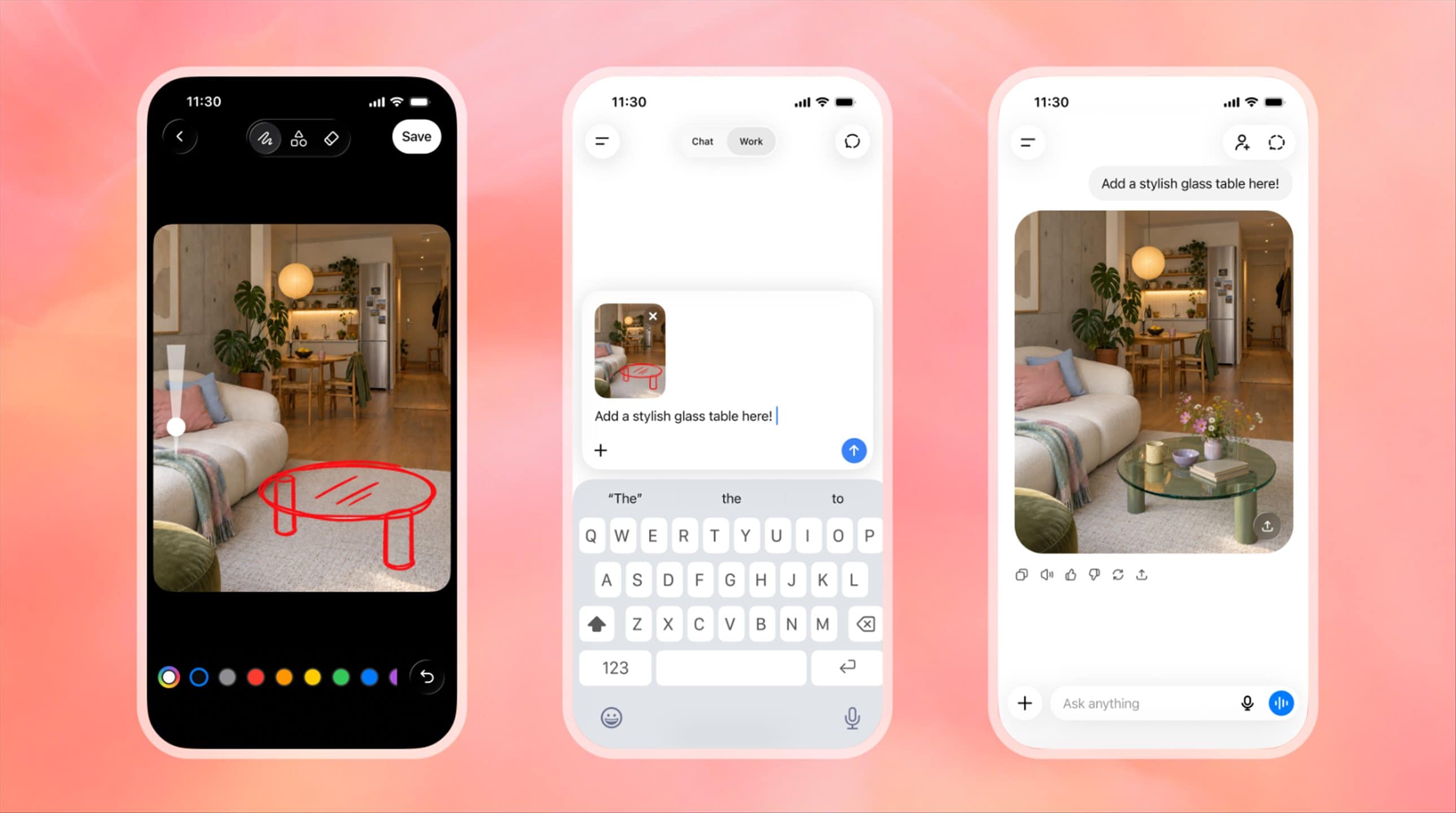
The release comes just eight weeks after ChatGPT Images 2.5, which introduced improvements to image quality, more precise editing, and the Sketch feature.
According to OpenAI, people are now generating more than four billion images every week across its platforms, up from three billion per week when Images 2.5 launched. That works out to more than 500 million AI-generated images every day, showing just how popular these tools have become.
With the ability to generate animated GIFs without needing separate animation software, users can turn a simple text prompt or an existing photograph into an animated GIF. For example, you could upload a selfie and ask ChatGPT to turn yourself into a chibi character celebrating a victory, or create a looping anime-style reaction animation based on your facial expressions.
The tool also allows users to adjust animation speed, edit individual frames, and share their creations. This should make it easier to produce personalised reaction GIFs, memes, and other animated content for social media.
There are also more practical applications. Businesses could animate a company mascot, turn static product images into promotional animations, or create simple animated storyboards before committing to a full video production.
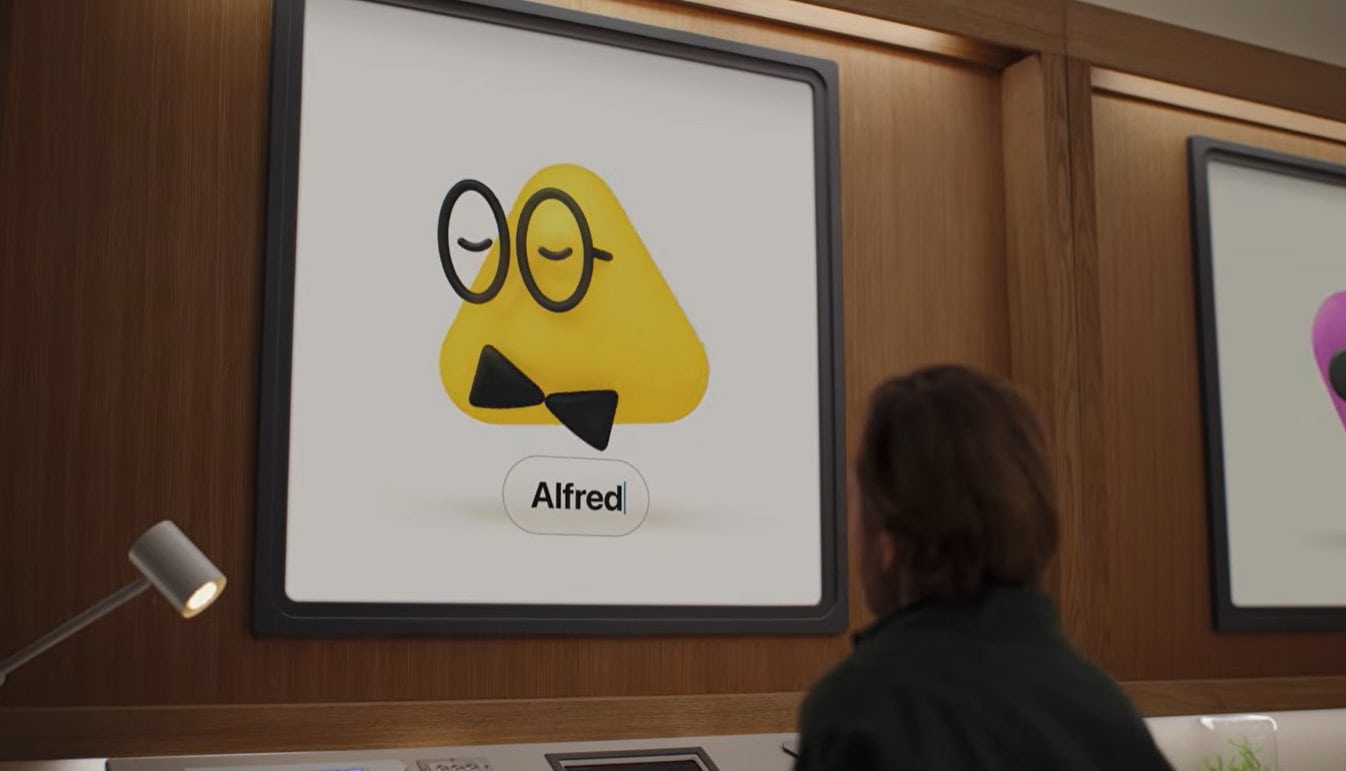
OpenAI has demonstrated how even a basic hand-drawn sketch can become an animated character, with the AI maintaining its appearance across different frames.
GIF generation is probably the most exciting feature here. We’ve already seen how easy it is to generate impressive static images with AI, but being able to animate them and make adjustments without jumping between different applications opens up more creative possibilities.
Beyond animation, OpenAI says Images 2.6 can generate images up to 50% faster than its predecessor.
For developers, the company is introducing two API models: GPT-Image-2.6 Flare and GPT-Image-2.6 Sunburst.
Flare focuses on speed and efficiency, making it suitable for applications where images need to be generated quickly. At its low-quality setting, it can produce an image in as little as six seconds. OpenAI also says Flare delivers improved layouts for posters, product photography, and other professional visual content.
Sunburst, meanwhile, prioritises image quality and consistency. It is designed for more demanding creative tasks, particularly when generating detailed visuals or repeatedly editing an existing image. With medium or high quality settings, it aims to preserve important details such as character appearances, product features, and branding across multiple revisions.
ChatGPT Images 2.6 also builds on the editing capabilities introduced in earlier releases. Users can save and tag reference images of people, pets, and characters, then reuse those references in future creations without uploading the original files each time.
For example, someone creating a series of illustrations featuring the same character could reuse a saved reference to help maintain its appearance across different scenes or artistic styles. This could also be useful for businesses generating promotional materials featuring a particular product or brand mascot.
OpenAI is additionally bringing image markup capabilities to the API. The feature, already available within ChatGPT, allows developers to specify particular areas of an image that need editing rather than relying entirely on written descriptions. The idea is to make small, targeted changes while leaving the rest of the image untouched, reducing the chances of the AI modifying unrelated parts of the composition.
Developers can also export designs as SVG files, making them suitable for use across websites, applications, and printed materials.
Another addition is a new complexity parameter that controls how much planning the AI performs before generating or editing an image.
For straightforward changes, developers can select a lower complexity setting to prioritise speed. More demanding requests involving multiple objects, detailed compositions, or specific constraints can use medium or high complexity settings.
ChatGPT Images 2.6 is now available globally across all ChatGPT subscription tiers, including free users, on web, desktop, and mobile. It is also available through Codex. Developers can access GPT-Image-2.6 Flare and GPT-Image-2.6 Sunburst through OpenAI’s API, with pricing details available on the company’s developer website.
Source: OpenAI – Introducing Images 2.6