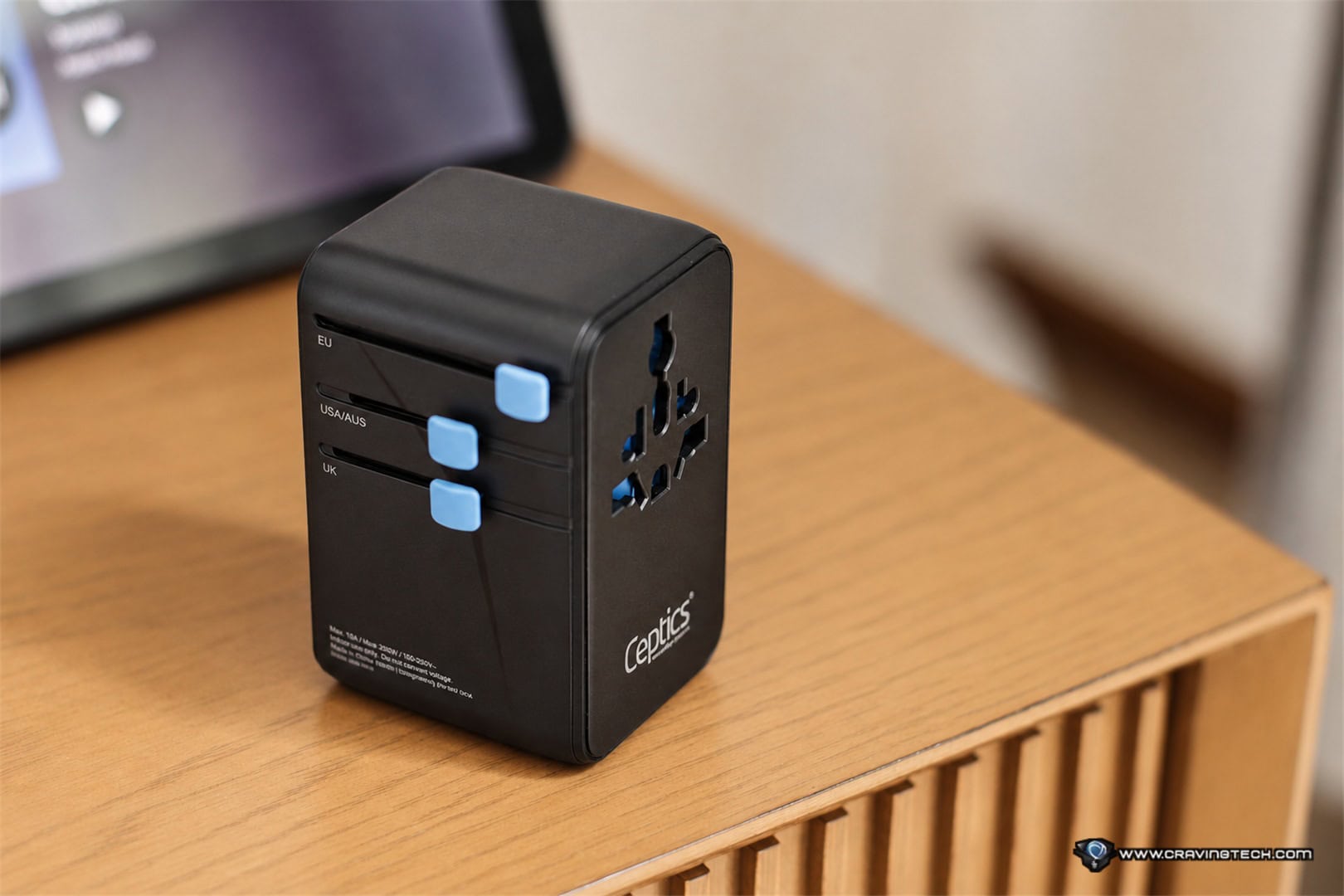
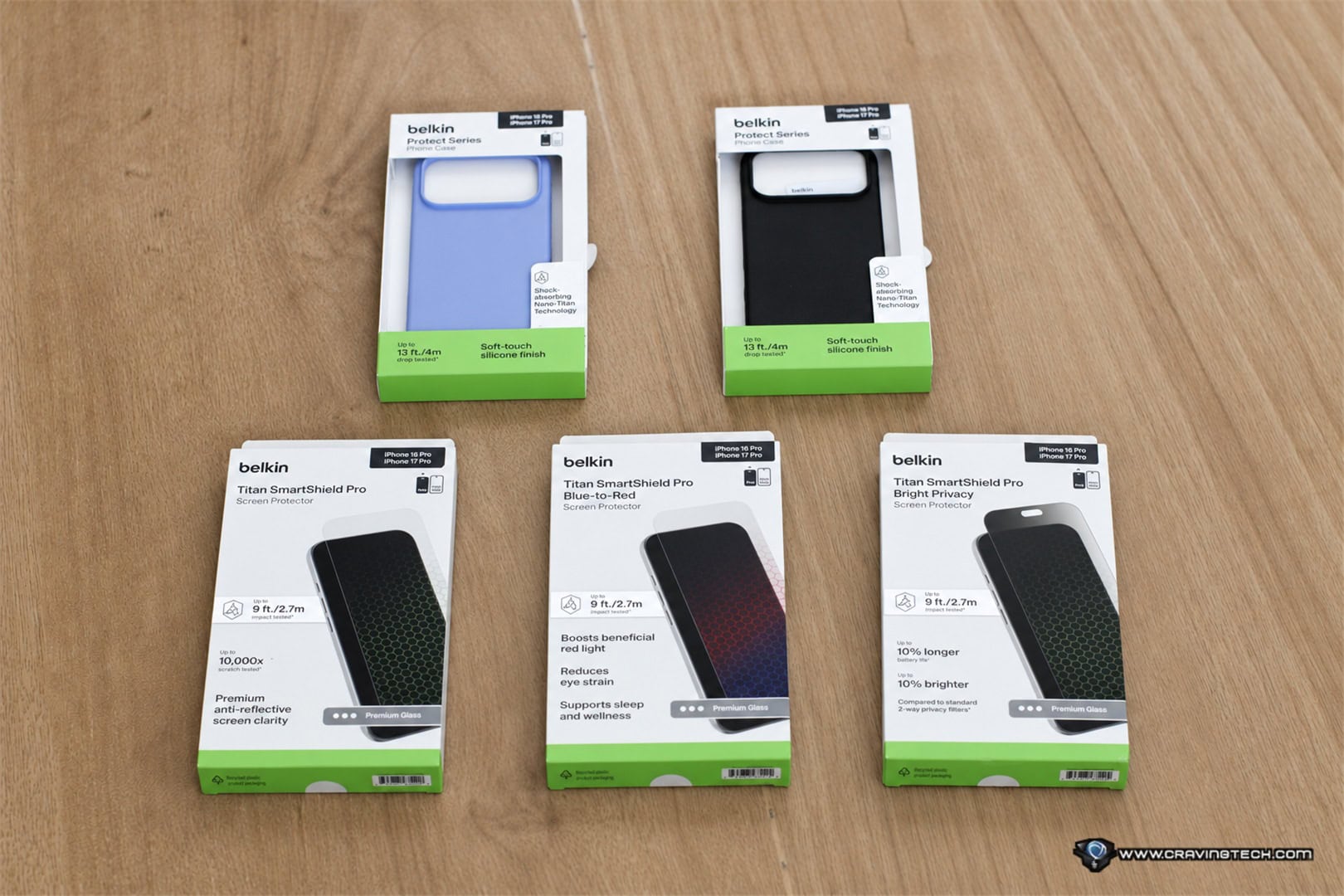
Father’s Day is coming up, and if your dad is someone who appreciates a good gadget but would never spend the money on himself, then you’re in the right place. This year’s gift guide pulls together some of the best tech we’ve personally reviewed and tested, covering a range of budgets so you’re not stuck choosing between a USB cable and a second mortgage. Whether your dad is a gamer, an audio enthusiast, a productivity nerd, or someone who just wants things that work without fuss, there’s something here worth checking.
OBSBOT Tiny 3 – Best for the Dad who’s always on camera, like daily meetings (myself included)

If your dad works from home, streams, or does any kind of video content, the OBSBOT Tiny 3 is the kind of upgrade that will will change how he shows up on screen. Don’t let the size fool you though. This thing is smaller than a computer mouse, but it shoots 4K video with a 1/1.28″ sensor, handles challenging lighting conditions better than webcams costing twice as much, and comes with a built-in microphone system. I was impressed enough in my own brightly-lit office to ditch the headset for calls.
The AI tracking locks onto you, follows your movement, adjusts framing automatically, and even responds to voice commands and hand gestures . Whether dad is presenting in meetings, streaming games, or recording content, the Tiny 3 keeps him looking sharp without needing to fiddle with the camera. The magnetised mount grips the monitor securely, and when he’s done, the camera tilts down into privacy mode on its own.
At A$549 it’s not a budget buy, but for everything it does in such a compact package, it’s hard to argue with the value. It comes in a solid hard case too, so it’s just as useful for dads who travel. If he’s been putting up with a mediocre laptop webcam or an old USB camera that belongs in 2015, this is the upgrade worth gifting.
Roborock Qrevo Edge 2 Pro – Best for the Dad Who Hates Cleaning

For the dad who’d rather spend his weekends doing anything other than mopping the floor to help Mum around the house, the Roborock Qrevo Edge 2 Pro is the kind of gift that actually changes his daily routine. At 7.98 cm tall, it slides under the sofa and clears out the dust that’s been sitting there for months, thanks to a LiDAR tower that retracts automatically when it senses low clearance. It has dual spinning mops running at up to 200 RPM with 12N of downward pressure means it’s properly scrubbing the floor, not just dragging a damp pad across it. My family walks barefoot at home, and the difference was noticeable enough that people commented without being asked.
The self-cleaning dock washes the mop pads with up to 100°C hot water, dries them with warm air, empties the dust bin automatically, and even dispenses detergent on its own. Dad basically just needs to top up the water tank every now and then and let it run. The robot can also fully detach its mops at the dock before heading out, vacuum the carpets dry, then reattach and do a separate mop pass on hard floors. No moisture transfer onto thick rugs, which has been an issue with plenty of other models.
At A$2,799 it’s a premium buy but your family members, including Mum would love it. For a household that has both carpet and hard floors, and a dad who appreciates things that just work without constant fiddling, this is the most complete robot vacuum and mop available that I’ve ever tested right now.
Razer Viper V4 Pro – Best Mouse for the Dad Who Games

If your dad already games and has ever complained about his mouse, the Razer Viper V4 Pro is a straightforward upgrade worth gifting. The Viper V3 Pro was already my favourite gaming mouse, and the V4 Pro takes everything that made it great and tightens it up across the board: click latency is down to 0.204 ms, motion latency is 2.5x faster than the previous generation, and true 8,000 Hz polling now works in both wireless and wired modes. At under 49 grams with near-perfect weight distribution, it’s the kind of mouse where nothing ever feels like it’s fighting you.
Battery life is a big step forward too, reaching up to 180 hours at 1,000 Hz polling, and the redesigned wireless dongle houses a taller antenna for a stronger signal. The Gen-4 optical switches are rated for over 100 million clicks with zero debounce delay, which means every click registers cleanly from the first session through thousands of hours of use. Razer Synapse gives full control over DPI, polling rate, button mapping, and even auto-switches the polling rate between gaming and non-gaming use to preserve battery.
At AU$279.95 it’s not a casual purchase, but for a dad who takes gaming seriously, it’s hard to find a better competitive gaming mouse right now. If he’s on a Viper V3 Pro already, the jump is worthwhile. If he’s on anything older or slower, this will be a noticeable difference from the moment he picks it up.
Logitech G512 X 98 – Best Keyboard for the Dad Who Games and Likes to Customise His Keyboard

The Logitech G512 X 98 is the most striking gaming keyboard I’ve had on my desk, and it earns that title through more than just looks. The front-facing Lightbar throws off a glow that sits on a level above most RGB keyboards, and the combination of coloured keycaps and two physical dials gives it a visual identity that’s hard to miss. But the design is only part of the story. The Dual Swap system supports 39 of the keys accept either analog switches or standard mechanical switches, so you can drop analog switches onto W-A-S-D for FPS games or across ability keys for MOBAs, while leaving the rest as regular mechanical.
The analog switches support custom actuation points from 0.1mm to 4.0mm through Logitech’s G HUB software, Rapid Trigger for competitive FPS play, and Multipoint Action with physical SAPP rings that give you a tactile bump at the second trigger point. The premium gasket mount keeps the sound profile satisfying rather than harsh, and the PBT DoubleShot keycaps mean the legends won’t wear or shine after heavy use. The two customisable clickable dials are something I use constantly throughout the day, whether it’s adjusting volume between music and games or assigning a quick macro.
At A$339.95 it’s firmly in premium territory, and kitting out more of the analog switch beds adds further cost on top. But for a dad who games regularly and likes to fine-tune his setup, there isn’t much else on the market offering this combination of looks, switch flexibility, and performance features in a single board. This is now my favourite gaming keyboard, and it’d make an impressive gift to unwrap.
D-Link DUF-E01 14-in-1 Thunderbolt 4 Docking Station – Best for the Dad with a Port-Starved Laptop

If your dad works from a modern ultrabook like myself and spends half his day swapping cables around, the D-Link DUF-E01 Thunderbolt 4 Docking Station is the fix he probably doesn’t know he needs. One Thunderbolt 4 cable connects the dock to the laptop, and suddenly he has 14 ports at his disposal: HDMI 2.1, DisplayPort 1.4, multiple USB-A and USB-C ports, SD and microSD card slots, Gigabit Ethernet, and a 3.5mm audio jack. My own Dell XPS 13 went from frustratingly limited to fully set up in one connection, with my monitor, webcam, speakers, and phone charger all plugged in and running at the same time without having to unplug anything.
The dock delivers 60W of power back to the laptop through the same Thunderbolt 4 cable, which is more than enough to keep most ultrabooks fully charged during heavy use. Data transfer runs at up to 40Gbps, so offloading footage or large files from a storage card is fast. It supports up to three 4K displays at 60Hz, or a single 8K display at 30Hz if needed. The aluminium alloy build manages heat well, and the included magnetic base lets it sit vertically to save desk space. When waking the laptop from sleep, all connected devices including the webcam come back online immediately, which hasn’t always been the case with other hubs I’ve tested.
At A$599.95 it sits firmly in premium territory, and it is worth being honest about that. If dad only needs a couple of extra ports, there are cheaper options. But if he’s running a proper home office setup with monitors, peripherals, and regular storage card transfers, the DUF-E01 covers everything in one compact unit without compromise.
Belkin BoostCharge Slim Magnetic Power Bank 5K with Qi2 – Best Budget-Friendly Gift for the iPhone Dad

For dads who are always on the go and always running low on battery, the Belkin BoostCharge Slim Magnetic Power Bank 5K with Qi2 is an easy gift to justify at A$99.95. It’s thin enough to slip into a shirt pocket and light enough to forget it’s there. The Qi2 magnets snap onto the back of any MagSafe-compatible iPhone with a satisfying, firm click and stay put, no wobbling, no accidentally drifting off-centre while you’re not looking. And because it’s Qi2, it charges at 15W wirelessly, which is noticeably faster than the 7.5W you’d get from a standard Qi pad.
The built-in kickstand is the detail that bumps this above other compact power banks at a similar price. It folds out to prop the phone up in both portrait and landscape, which is useful on a plane, at a desk running a camera feed, or propped up on a meal tray watching something. It works even when the bank isn’t charging, so it doubles as a travel phone stand. There’s also a 20W USB-C port for wired charging, and you can run both wireless and wired simultaneously, so dad can top up his AirPods case on the wireless pad while fast-charging his phone through the cable at the same time.
At 5,000mAh it won’t suit heavy users chasing multiple full charges in a day, and the included 60cm cable is on the short side. But for an iPhone user who wants a fast, slim, reliable top-up that actually fits in a pocket, the Belkin BoostCharge Slim Magnetic Power Bank 5K with Qi2 is a well-considered choice that he’ll reach for every day.