
 Have you ever wanted to extract an audio from a video? I have. Last time, I was editing some home movies and wanted to use some audio parts of a YouTube video. Of course, I couldn’t find a more efficient way, so I ended up using the whole video, but overlapped that video with something else (so only the audio can be heard). It wasn’t effective but it did the job.
Little did I know that there is an online service called “VidtoMP3” that can convert your online videos from YouTube (or any others) to an MP3 file!
Currently, VidToMp3 supports converting a video to an audio from these online video services: YouTube, MegaVideo, Dailymotion, Metacafe, Veoh, Myspace, Break, iFilm, Google Video, Bolt, ClipJunkie, ClipShack, CollegeHumor, FunnyJunk, Glumbert, GoFish, Grouper, Hallpass, MilkandCookies, Putfile, SantaBanta, Sharkle, Shoutfile, Vimeo, vSocial, Yikers, and ZippyVideos. More is coming soon, although I believe these are all more than enough, don’t you think?
The instructions are pretty easy (taken from the site):
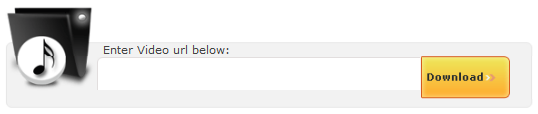
- Copy the FULL address of the page with the video.
- Paste the address you copied into the text box.
- Click “Download”, and wait. Please be patient.
- When conversion is complete, click on “Download MP3”.
- Done!
You can even preview the audio online before you download it, just in case you are not happy with the conversion.
To test the service, I tried to get the sound out of this video (a grand opening intro of Israel Houghton Alive Overture, bass version) : Israel Houghton – Alive Overture
We are going to use the intro on our upcoming youth event on our church (on 30th August) and since I’m going to play the Bass, I desperately need a hand on learning my part :)
As the instructions said, the process went too simple. I then got the audio file that I wanted, easily (the file was only around 600 KB in size). You can download the converted audio here, if you want to know the quality of the conversion.
Head on to VidToMp3 whenever you need to grab the audio out of an online video.
You might also want to take a look at these YouTube Downloader and Converter:



Comments are closed.