Razer Megasoma Review

Razer Megasoma is a hybrid of a hard and a soft mouse mat; If you love the softness of a soft mat but want to have the speed of a hard mat, Razer Megasoma delivers (this is debatable and I guess more like a personal preference). Razer Megasoma sits somewhere in between, combining the best [...]

Kaspersky Antivirus for Windows 7


by Michael Aulia on 20 January, 2009

in Industry News


Kaspersky Windows 7

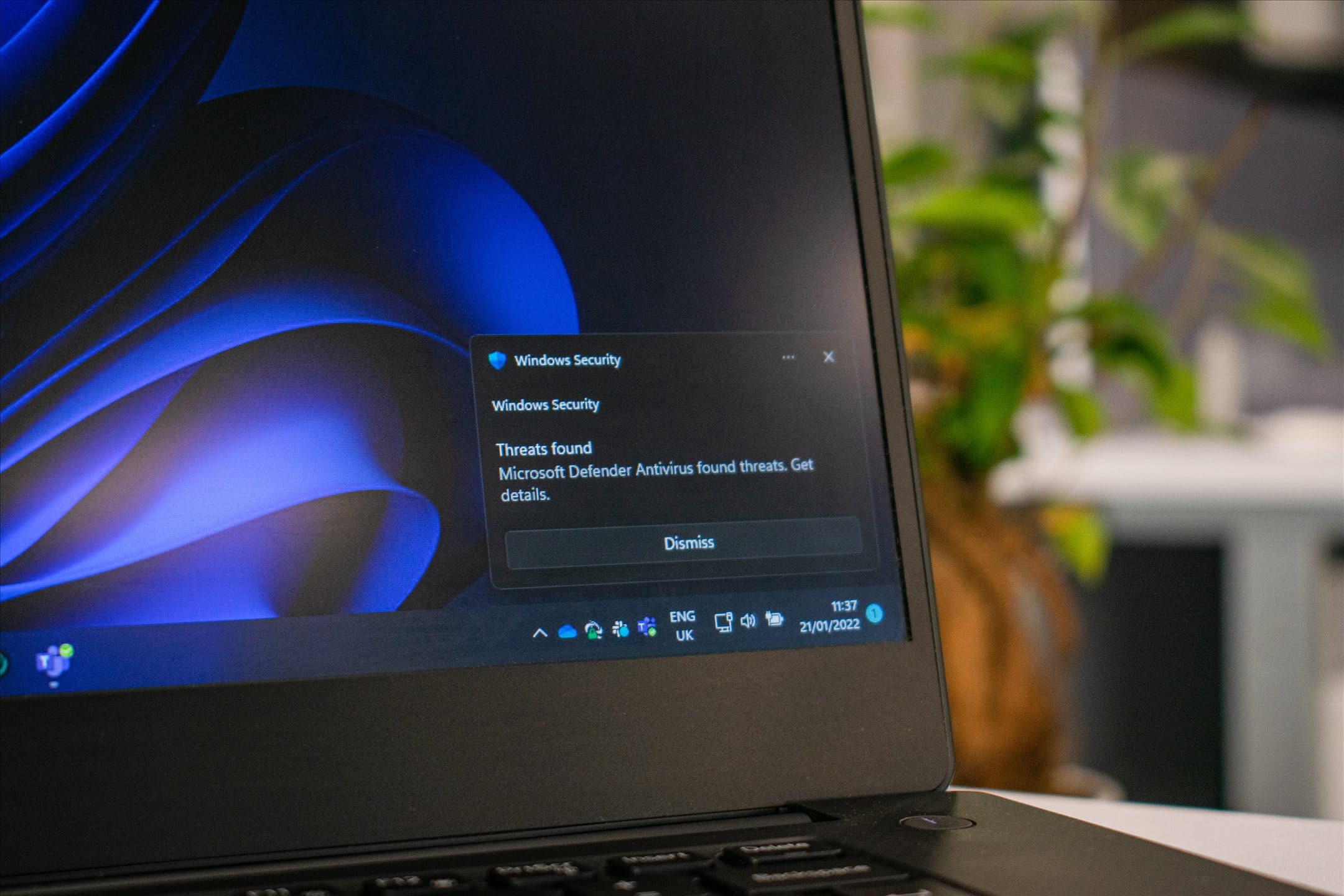
Kaspersky Lab has just released a Technical Preview of its upcoming Kaspersky Antivirus for Windows 7. It is not really clear yet what version number this is and how different it is than the current Kaspersky Antivirus (which should install just fine on Windows 7). Although from the description, this new version is optimized for dual and quad core processors system and available on both 32 & 64 bit platform.

Apart from an antivirus, this new edition also includes a firewall, an anti spam filter, and an advanced heuristic analyzer that detects and blocks unknown malicious programs. It also has a new user interface.

Gonna download this and install it on my Windows 7 Beta. To those who are interested, check out the page from Kaspersky Lab here.

Bookmark and Share


Subscribe Now

If you enjoyed this post, feel free to subscribe to be notified of new posts at Craving Tech!

{ 5 comments… read them below or add one }

Busby SEO Test 21 January, 2009 at 5:41 am

nice info Thx for sharing

Reply to this comment

Nihar 21 January, 2009 at 2:58 pm

Great to see now anti virus also supporting Windows 7.

Nihar´s last blog post..How to Add Wordpress pages to Nav Bar

Reply to this comment

Michael Aulia 21 January, 2009 at 10:45 pm

Usually if the antivirus works in Vista, it will definitely work in Windows 7

Dian 21 January, 2009 at 8:26 pm

i’m kind of comodo firewall fanboy :D
since i use this software i never use antivirus again,
only two things that keep my pc safe and clean (at least for the last 2 years), noscript in firefox and comodo :D

Reply to this comment

Michael Aulia 21 January, 2009 at 10:46 pm

Glad if it makes your PC safe :) I’ve heard of Comodo a lot of times but never have a chance to give it a go yet

Leave a Comment

You can use these HTML tags and attributes: <a href="" title=""> <abbr title=""> <acronym title=""> <b> <blockquote cite=""> <cite> <code> <del datetime=""> <em> <i> <q cite=""> <strike> <strong>

CommentLuv Enabled

Previous post:

Next post:


ss_blog_claim=90a03beb48f2cae080e36591e278f2e0