
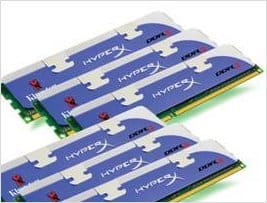
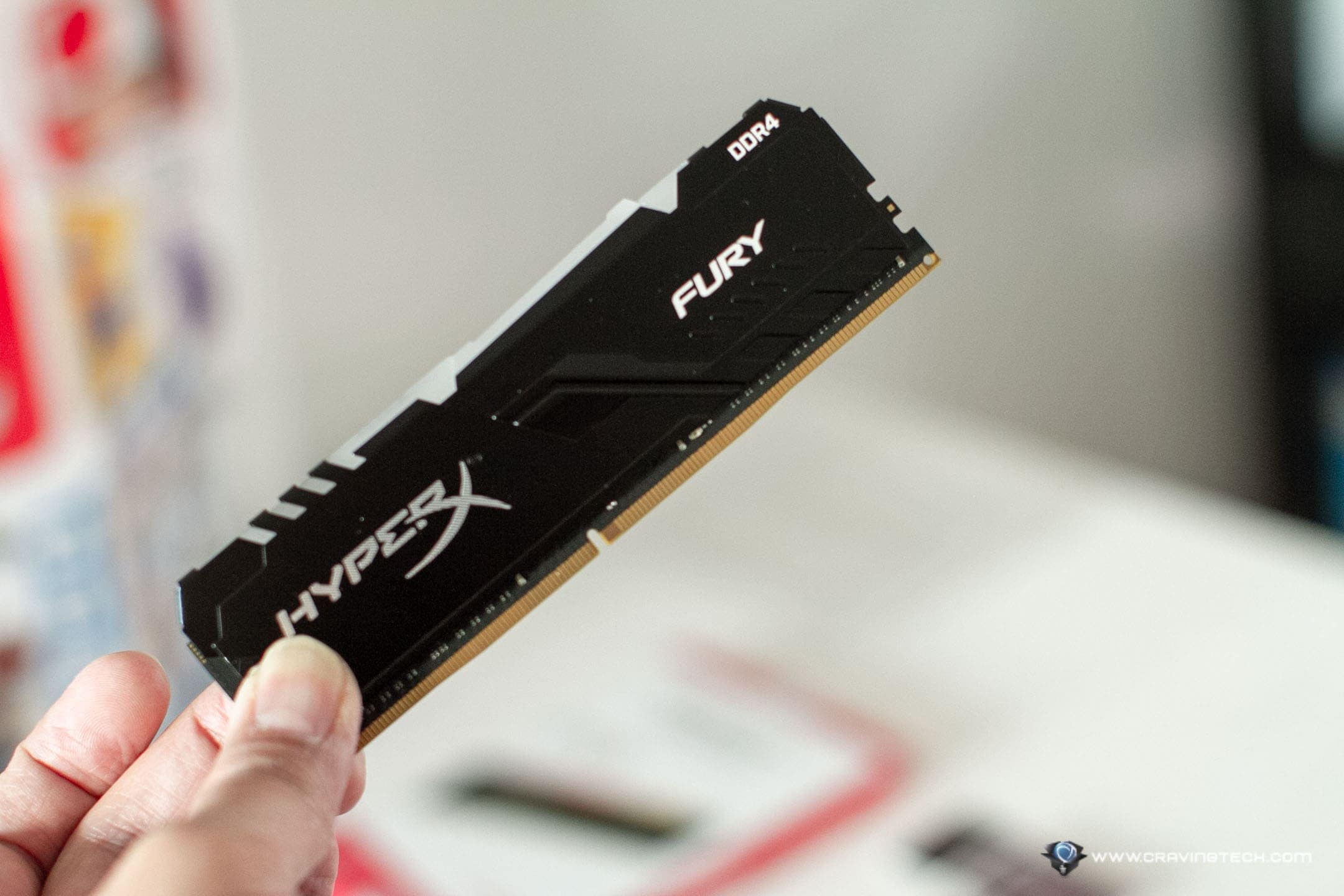
 As if having a 2-4 GB memory is not enough for you, Kingston Technology announced it is shipping the largest HyperX DD3 memory kits, a 24 GB of DDR3 RAM, made up of six 4GB modules.
This is definitely for serious users who will gain benefits for having more memory on their system. Designers or movie editors/publishers will definitely benefit from this. If you are just using your computer for browsing and chatting, then save your money or donate it to charity instead!
Anyways, below is the official press release from Kingston Technology.
Sydney, Australia – January 14, 2010: Kingston Technology Company, Inc., the independent world leader in memory products, today announced it is shipping the largest HyperX DDR3 memory kits to date. Users of the Intel Core i7 and X58 platforms can now take their systems to the memory extreme with Kingston’s 1600MHz 24GB HyperX kit made up of six 4GB modules. For Core i5, P55 chipset enthusiasts, Kingston has released a 1600MHz kit 16GB kit of four 4GB modules to take full advantage of dual-channel performance.
“We are pleased to make available the largest HyperX memory kits ever for the prosumers, multimedia pro or super enthusiast who wants everything,” said Vaughan Nankivell, Regional Manager, Australia and New Zealand for Kingston Technology. “Users working with the latest operating systems like Windows 7 64-bit can keep multiple programs open, run memory intensive video or photo applications, or run numerous virtual machines using 24GB or 16GB of DDR3 HyperX memory and create more efficiency and performance gains than ever before.”
The 1600MHz triple- and dual-channel kits are intended for use on the best motherboards on the market from top makers such as Asus and Gigabyte. A video of the 24GB HyperX kit in action can be found at www.kingston-blog.com/en/bbs_thread.php?gid=1&aid=574.
Product and Pricing Summary:
Vendor: Kingston Technology
Product name : Kingston HyperX DDR3 24GB or 16GB Kits
RRP: A TBC, NZ TBC
Website: www.kingston.com/anz
Australian Distributors: Avnet Australia Pty Ltd, Ingram Micro, Simms International Pty Ltd., Synnex Australia PTY Ltd.
New Zealand Distributors: Ingram Micro NZ, Synnex NZKingston memory is backed by a lifetime warranty and free technical support.
Availability: Shipping now
Kingston HyperX DDR3 Kit Specifications
Part Number Capacity and Features:
– KHX1600C9D3K6/24GX 24GB 1600MHz (CL9-9-9-27 @ 1.65v)
kit of six optimized for Core i7 XMP
– KHX1600C9D3K4/16GX 16GB 1600MHz (CL9-9-9-27 @ 1.65v)
kit of 4 optimized for Core i5 XMP

Comments are closed.