

So many of you must have thought: “Oh, no! Here comes a newer version of WordPress! Now I have to go through those nightmare steps again to update my version!”
If you have this feeling on every patch/update that WordPress releases, then this plug-in will make that feeling go away!
If you come from an I.T background or a tech-savvy user, then you may want to update WordPress manually. This plug-in automates the whole process and it may sound scary at first to completely trust automated scripts.
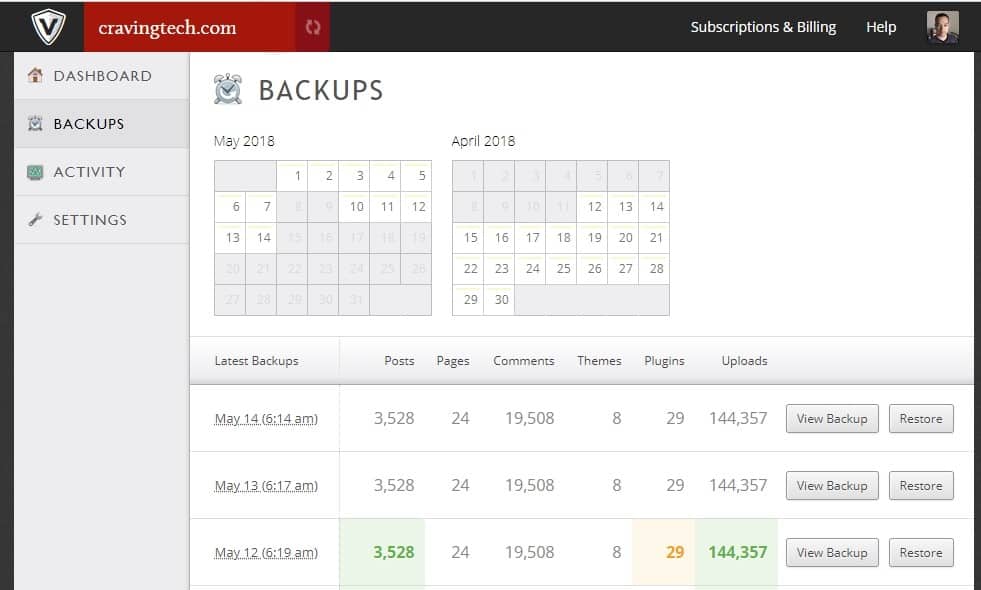
Well, I was trying to be brave and decided to test this plug-in, called WordPress Automatic Upgrade (Alright, alright. I actually did a full backup of my whole site first, just in case something goes wrong)
The WordPress Automatic Upgrade plug-in is actually a very simple plug-in and will do all the jobs for you in series of steps: check on a newer WordPress version, backing up your WordPress files and databases, downloading the updated WordPress files from the official site, putting your site into maintenance mode, disabling your plug-ins, and update your WordPress version automatically! (The order may be wrong here, sorry, I should have written it down this morning!)
Simply by clicking on the next step link for a few times, my WordPress was updated without a sweat! WordPress next update? Bring it on!
Go and download the plug-in here.




Comments are closed.