
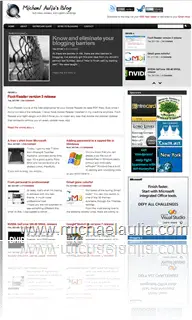
 If you are a blogger and using the Arthemia Premium theme like this blog, then you might experience seeing blank thumbnails. The post thumbnails are meant to be dynamically generated by the TimThumb.php script. You can try changing the permissions just like the theme installation instructions say but if you are on HostGator (check my HostGator review post), there is nothing else that you can do except to raise a ticket and ask HostGator to whitelist your domain/site so that it can execute the script.
When I asked HostGator support team about this, the guy answered that HostGator is using an open source web application firewall called ModSecurity and the execution of the timthumb script resembles like a PHP injection attempt. This will flag a security warning in the ModSecurity application and as a result, the script will fail being executed and you’ll get blank images.
By whitelisting your site on their filtering rules, your site will be bypassed and the dynamic thumbnail generation script will work properly.





Comments are closed.